
01 / 03 · Download and open
Open the DMG and drag the app into Applications. Auro guides your first launch (installation).

You only need to do this once. Let’s begin.

- Open the DMG
- Drag into Applications
- Open the app
CasterDesk · Mac / Windows
Get started, from installation to connecting your sound.
Device names to choose · Mac
01 / 03 · Download and open
Open the DMG and drag the app into Applications. Auro guides your first launch (installation).
You only need to do this once. Let’s begin.
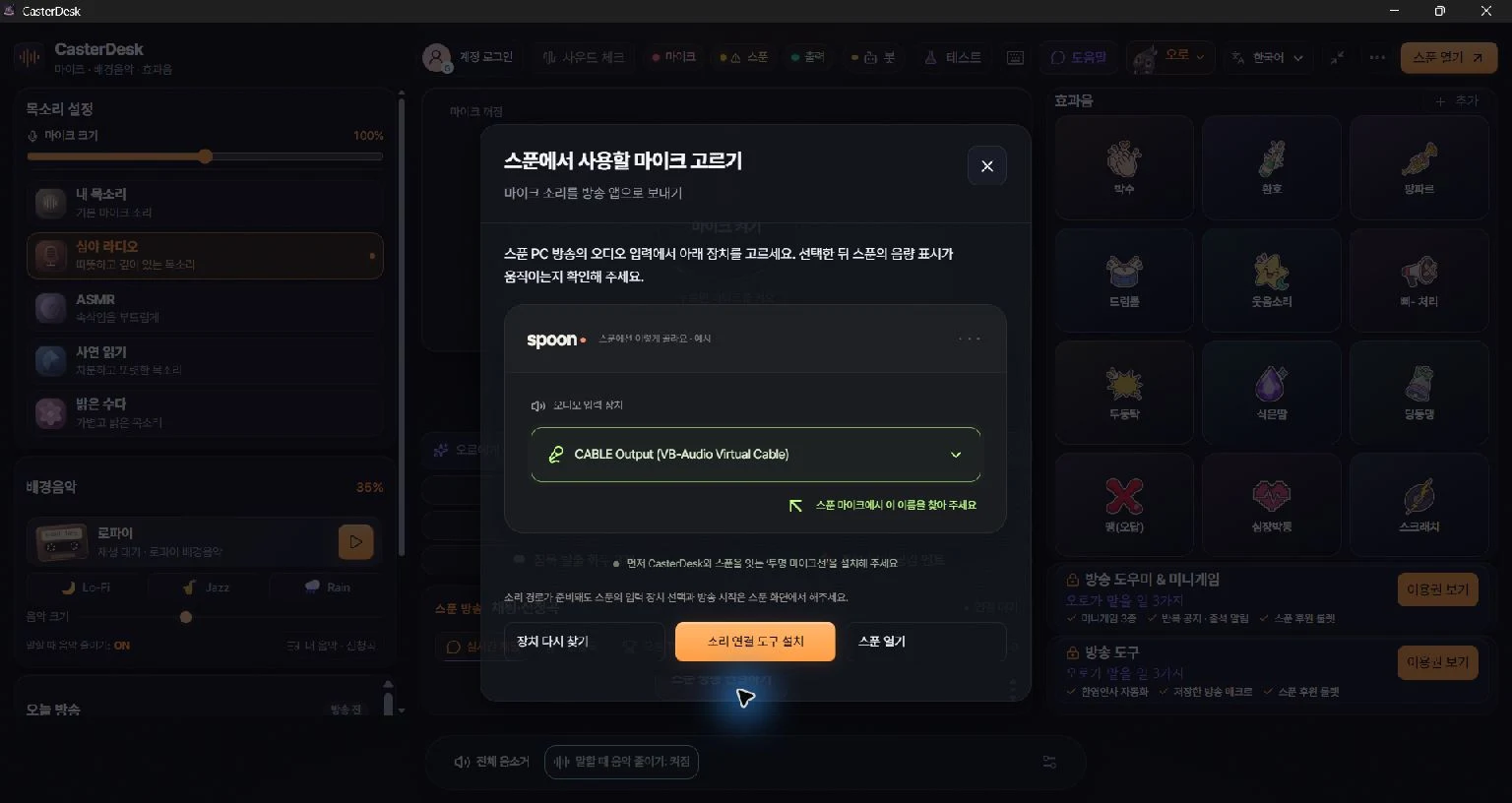
02 / 03 · Connect your sound
Connect one cable to send your sound to Spoon. Use BlackHole on Mac or VB-CABLE on Windows (audio setup).
The device names are below. Choose them one at a time.
03 / 03 · Your first Spoon show
Choose BlackHole 2ch as Spoon’s microphone. Check your voice and applause, then you’re ready (Spoon setup).
I’ll be beside you for your first show.
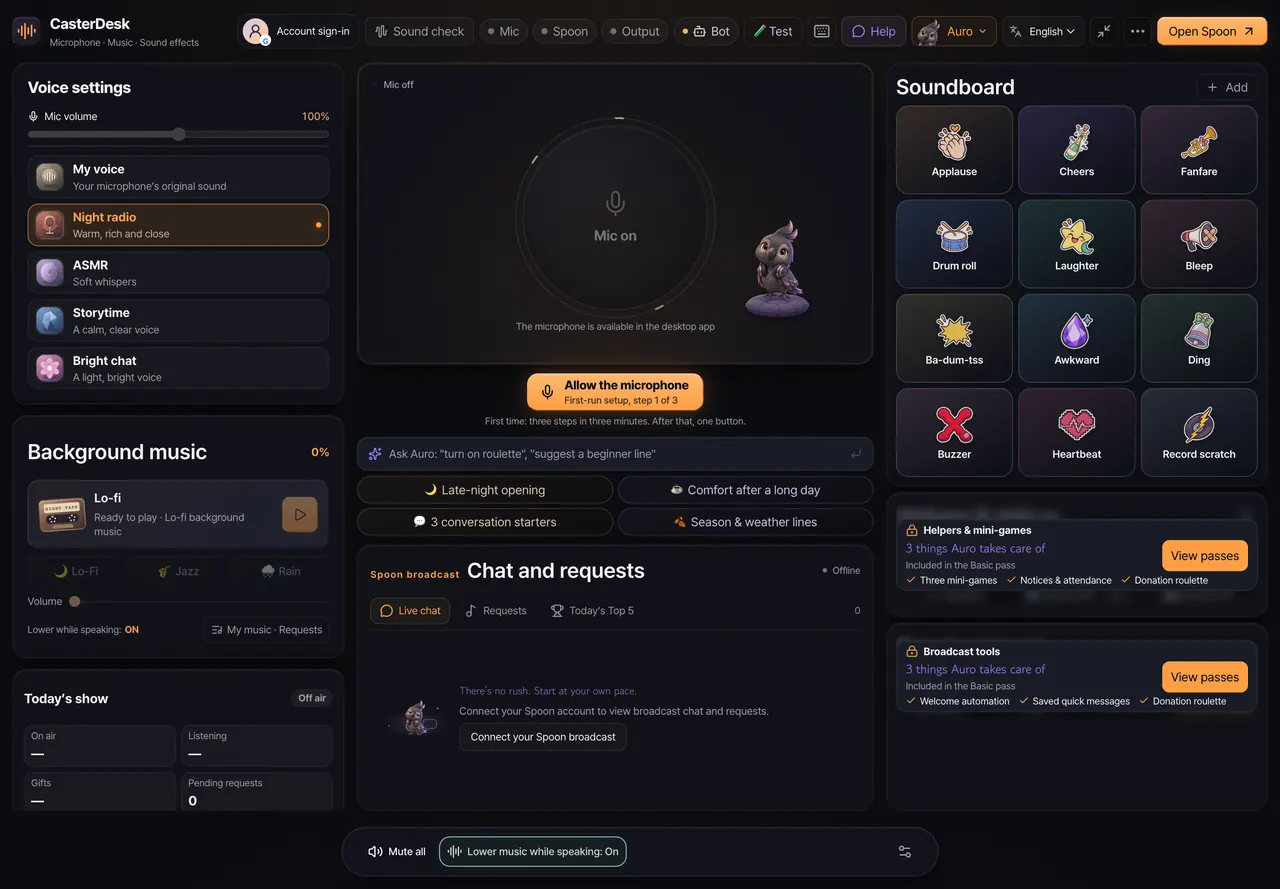
Install CasterDesk and connect your sound to Spoon. Auro guides your first setup.
Download the Mac or Windows installer.
Sign in with Google.
The first-run guide walks you through it
Drag the app to install it.
Open the DMG and drag CasterDesk into Applications.
The Mac installer is Developer ID signed and notarized by Apple. If a security warning blocks a copy from the official download, send the warning text and your app and macOS versions to support@junleebuild.com.
Open the installer to get started.
Follow the installer’s steps.
If Windows SmartScreen appears, check the installer name and publisher first.
If you downloaded the file from the official CasterDesk site, choose More info → Run anyway to continue installing.
If you bought a pass, use the same account and sign-in method as on the website.
The line that carries your sound to Spoon.
Connect with BlackHole on Mac or VB-CABLE on Windows.
Set up the cable for your computer.
Install it with the app’s sound setup guide.
Send voice and music through the cable.
Choose your mic and set output to the installed cable.
Receive your broadcast audio in Spoon.
Set Spoon’s mic to the matching cable and check your voice and applause.
Mac · Get BlackHoleWindows · Get VB-CABLE
Link Spoon in the app for chat, song requests and gifts. Available from Basic, for Korean Spoon accounts only.